 Zeeron Studio
Markdown Editor
Offline-first Markdown writing with live preview and PDF export.

Screenshots
About Markdown Editor
A native, offline-first Markdown workspace for iPhone and iPad. Write notes, drafts, documentation or journals in a focused editor with live preview, organize them in folders, and export Markdown or PDF on your device. No account is needed to start writing.
A Markdown editor for iPhone and iPad
Markdown Editor lets you write, preview and export Markdown files on your iPhone and iPad, even offline. Write notes, drafts, diaries, blog posts, documents and README files. See the formatted result as you type with live preview.
Organize, search and export to PDF
Keep your files in folders and search the text of all your files. Open Markdown or text files from other places. When you finish, save your file as Markdown or make a PDF on your device. The app saves your work as you type and shows your recent files. Premium adds more PDF options, themes, templates, find and replace, word count, reading time and favorites.
Private, offline writing
Your files stay on your device. Writing, preview, folders and export all work offline. You don't need an account to start. It's a simple Markdown viewer and editor for students, writers and developers. Download it free on the App Store.
Why you'll love it
Live preview
See your formatted document as you write in a native editor built for iPhone and iPad.
Folders and search
Organize documents in folders and search the full text of your local documents.
Import and export
Import Markdown and text files, export Markdown, and generate PDFs on-device.
Autosave
Autosave and quick access to recent work keep your writing close at hand.
Local-first privacy
Documents stay on your device by default, and core features work offline.
Premium tools
Premium adds advanced PDF options, custom themes, templates, find and replace, and writing stats.
Full description
Write, preview, organize, and export Markdown documents entirely on your iPhone and iPad.
This app is a native, offline-first Markdown workspace built for fast writing and clean document output. Create notes, drafts, documentation, journals, and long-form writing with a focused editor, live preview, and on-device PDF export.
Everything important happens on your device. No account is required to start writing.
Features
- Native Markdown editor designed for iPhone and iPad
- Live preview while you write
- Organize documents with folders
- Full-text search across your local documents
- Import Markdown and text files
- Export Markdown files and generate PDFs on-device
- Autosave and quick access to recent work
- Clean, privacy-focused offline experience
Premium features
- Advanced PDF export options
- Custom themes
- Templates
- Find and replace
- Word count, reading time, and writing stats
- Favorites, smart organization, and additional power-user tools
Who it’s for
- Students taking structured notes
- Writers drafting articles and journals
- Developers editing README files and documentation
- Anyone who wants a simple, fast Markdown app without unnecessary complexity
Privacy-first by design
Your documents stay on your device by default. Core writing, preview, organization, and export features work offline, so you can write anywhere.
If you want a polished Markdown experience on iOS with native performance and local-first privacy, this app is built for you.
Subscription information:
Markdown Pro is an optional auto-renewing subscription (monthly plan). Payment is charged to your Apple Account at confirmation of purchase. Subscription renews automatically unless canceled at least 24 hours before the end of the current period. You can manage or cancel your subscription anytime in your Apple Account settings.
Privacy Policy : https://zeeronstudio.com/privacy/markdown.html
Terms of Service : https://www.apple.com/legal/internet-services/itunes/dev/stdeula/
More apps you might like
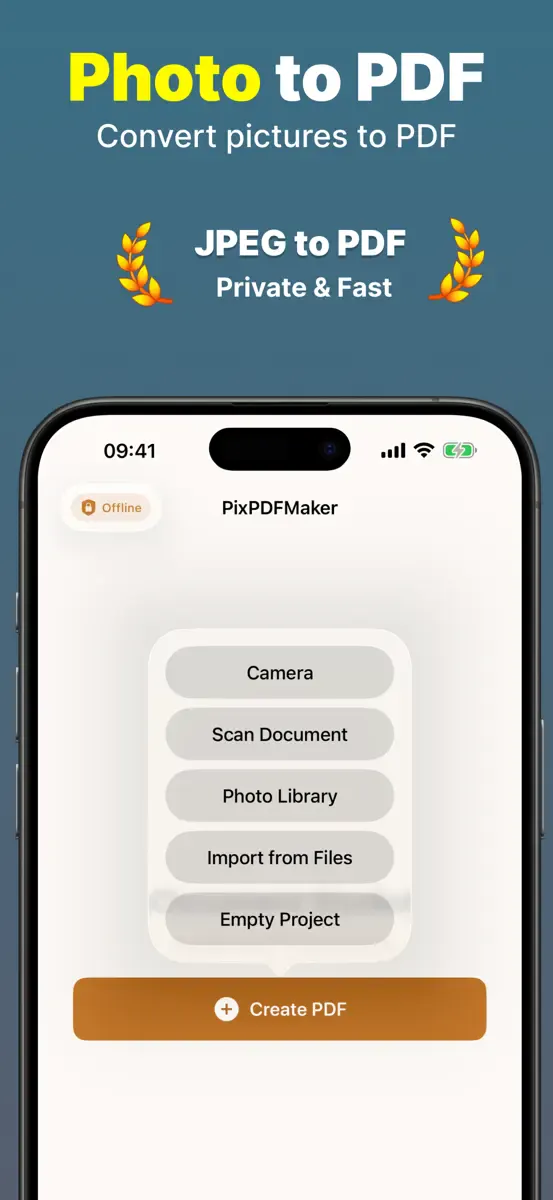
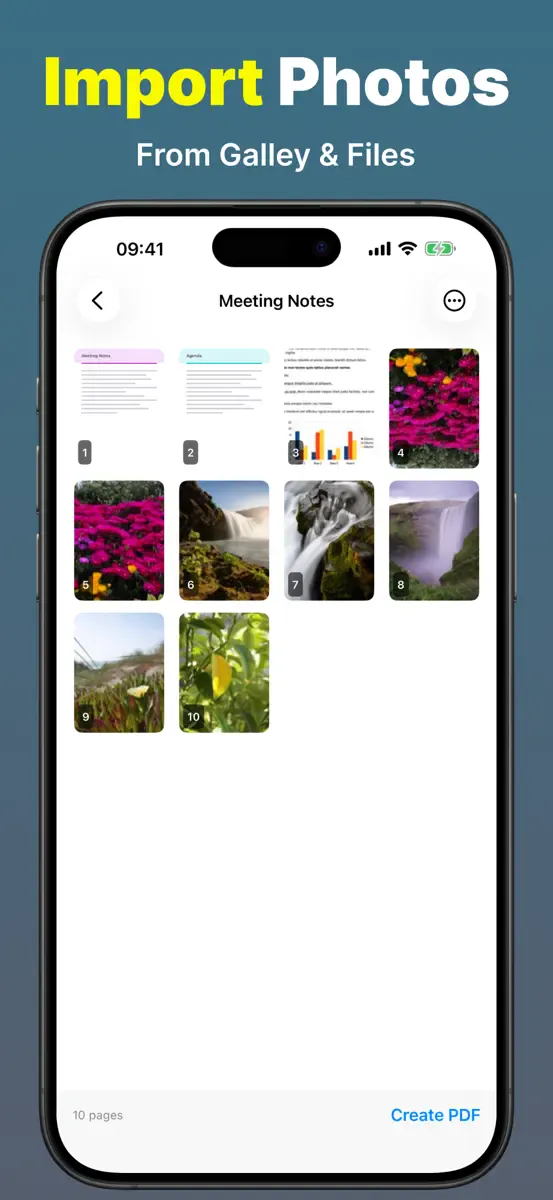
PixPDFMaker
Turn photos into clean, multi-page PDFs — privately, on device.
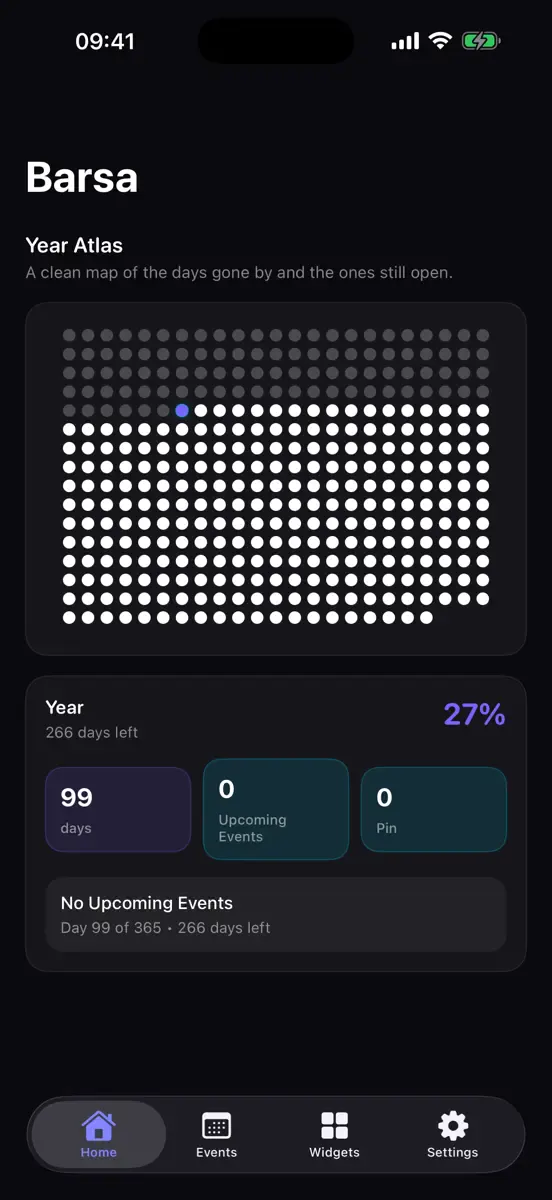
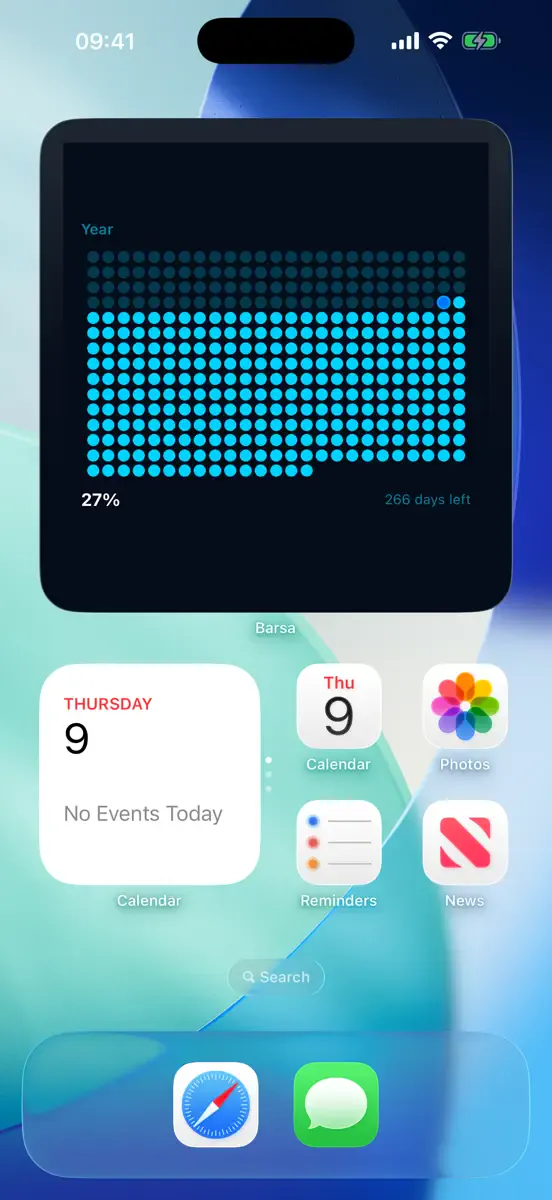
Barsa
See your year, countdowns and milestones with beautiful widgets.
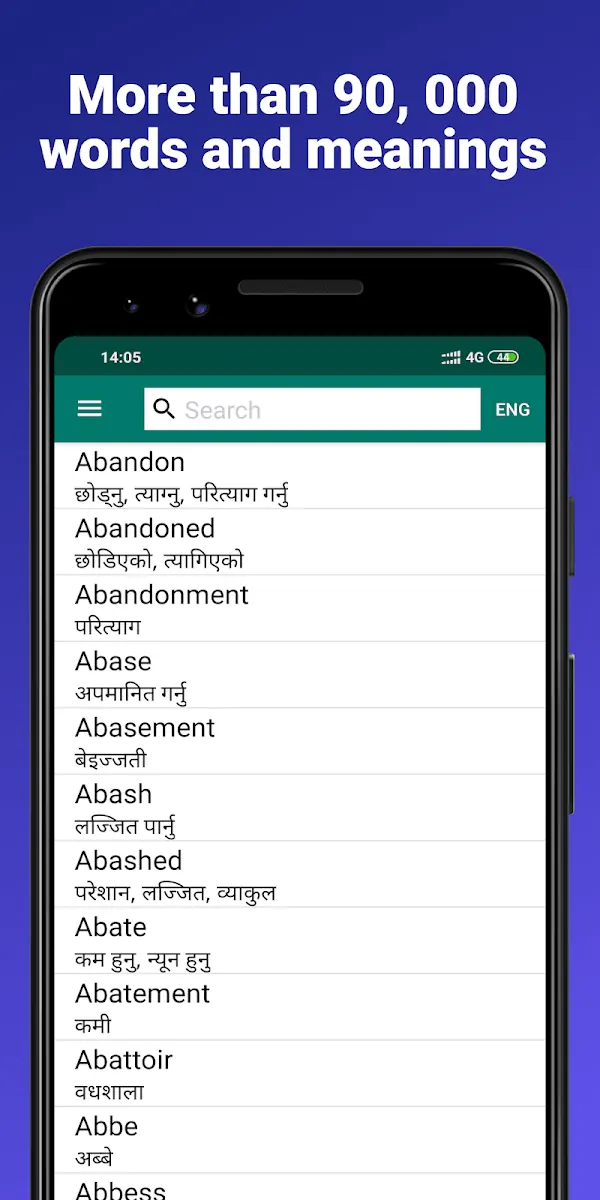
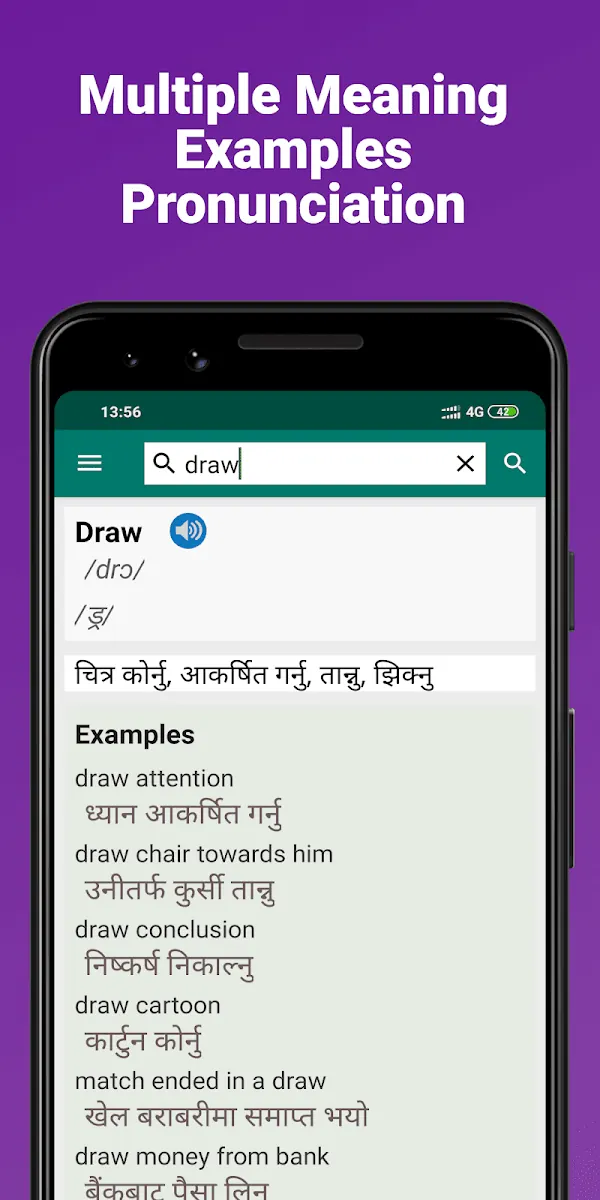
Nepali Dictionary
Offline English ⇄ Nepali dictionary trusted by over a million learners.