 Zeeron Studio
Video to MP3
Extract high-quality audio from any video, trim it and share.


Screenshots
About Video to MP3
Video to MP3 turns the videos on your phone into audio in a few taps. Trim the section you want, choose an output format, and manage the results in a built-in audio library. Conversions and editing tools run directly on your device.
Convert video to MP3 on your phone
Video to MP3 takes the sound out of a video. Choose a video from your phone. Cut the part you want, pick a format and save the audio in your library. You can save as MP3, WAV, M4A, AAC, AIFF, CAF, FLAC or OGG. You can also change the quality, sample rate and channels.
Edit audio and make ringtones
You can do more than convert. Cut, split, join and reverse audio. Convert many files at once. Add effects, change the EQ, make the volume even, and change the pitch or speed. Make a ringtone from any clip. You can also separate the voice from the music. In your library, play, rename, sort, search, tag and share every file.
Fast and private
The app converts and edits audio on your device, so it never uploads your videos. Video to MP3 is free to download on Android and iOS.
Why you'll love it
Many output formats
Export MP3, WAV, M4A, AAC, AIFF, CAF, FLAC or OGG with adjustable quality settings.
Trim before converting
Set exact start and end points so you keep only the audio you need.
Built-in audio library
Play, rename, sort, search, edit tags, share or delete converted files in one place.
Audio editing tools
Split, merge, reverse, apply effects, adjust EQ, normalize loudness, and change pitch or speed.
Ringtones and batches
Create ringtone-ready files and convert multiple audio files at once.
Vocal separation
Extract vocal or instrumental-style tracks using fast center-channel processing.
Full description
Video to MP3 turns your videos into high-quality audio files in just a few taps. Pick a video from Photos or Files, trim the exact section you need, choose your output format, and save or share the finished audio from your personal library.
Whether you are extracting audio from personal videos, creating clips, converting music files, or making custom ringtones, Video to MP3 gives you fast conversion tools with a clean, simple workflow.
Features:
- Convert video to audio
Import videos from your Photo Library or Files app and export the audio in popular formats.
- Multiple output formats
Create MP3, WAV, M4A, AAC, AIFF, CAF, FLAC, or OGG files with adjustable quality, sample rate, and channel settings.
- Trim before converting
Select the exact start and end points before export so you only keep the audio you need.
- Built-in audio library
Play, rename, sort, search, edit tags, share, or delete your converted files from one organized library.
- Audio editing tools
Trim, split, merge, reverse, batch convert, apply effects, adjust EQ, normalize loudness, change pitch or speed, and more.
- Custom ringtones
Create ringtone-ready audio files for your device.
- Batch conversion
Convert multiple audio files at once and save time on repeated tasks.
- Vocal and instrumental separation
Extract vocals or instrumental-style tracks using fast center-channel processing.
- Works on device
Your conversions and audio tools run directly on your device for a smooth, private workflow.
Video to MP3 is made for quick everyday conversions and deeper audio editing when you need more control.
More apps you might like
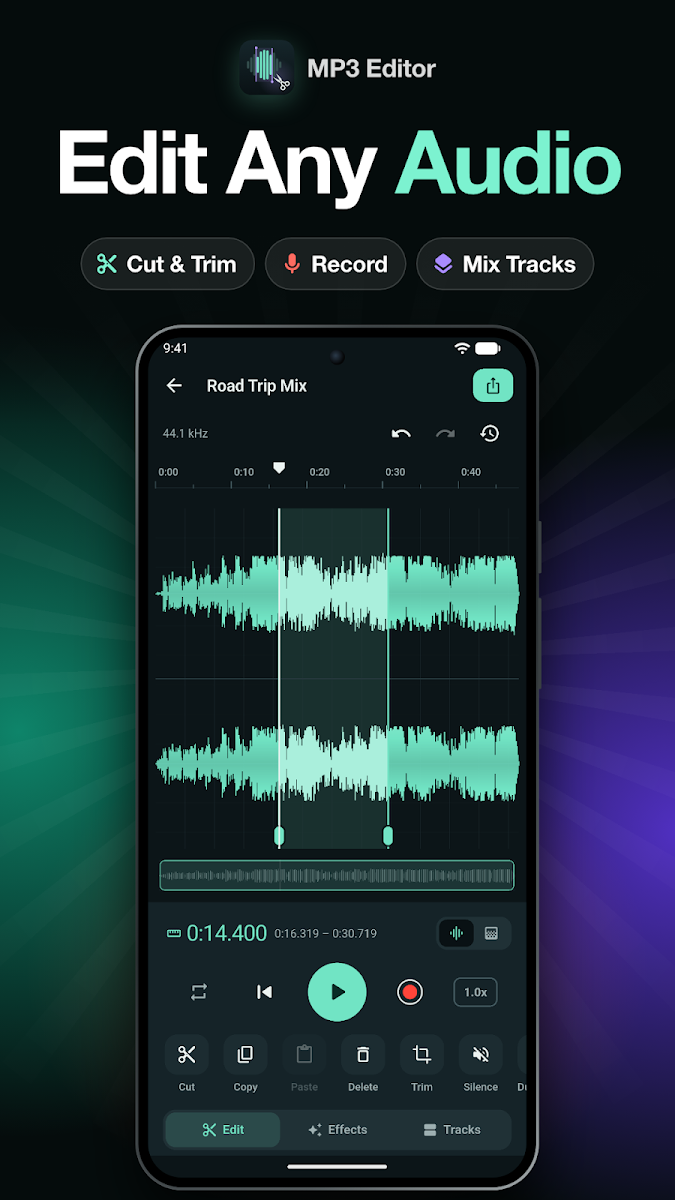
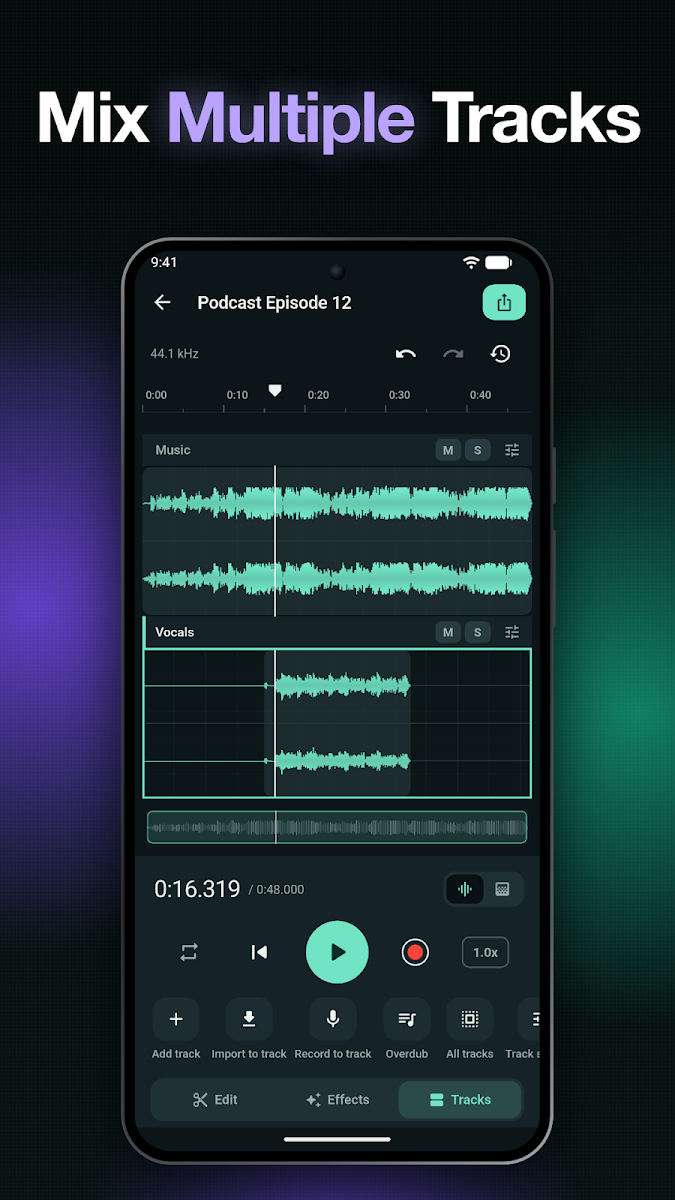
MP3 Editor
Cut, trim, mix, record and convert audio, and make your own ringtones.
Nepali Dictionary
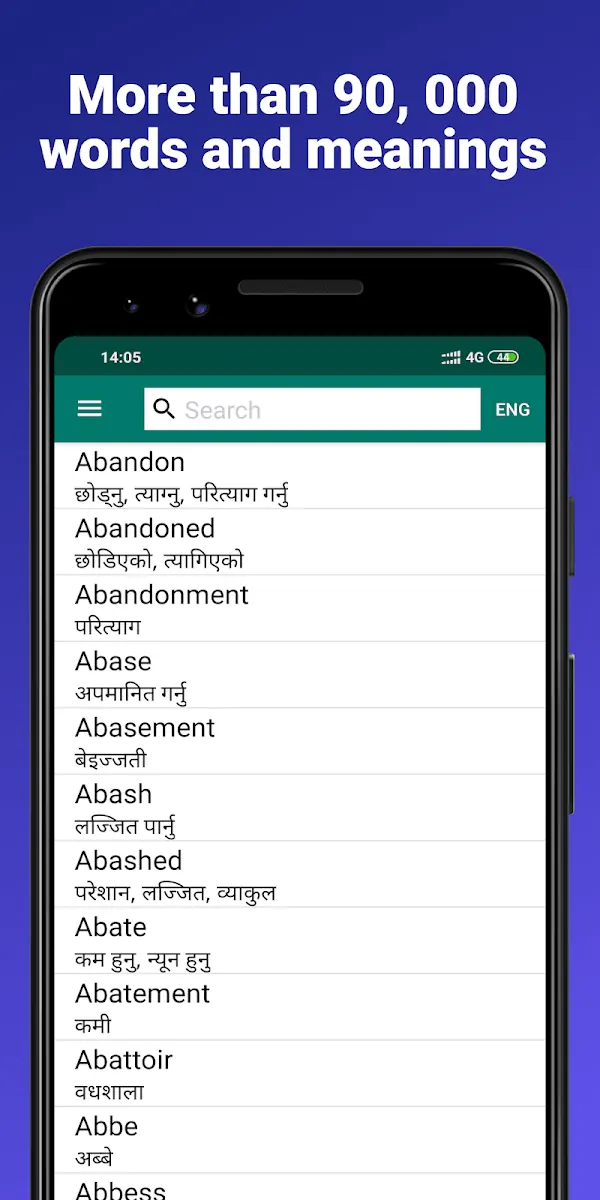
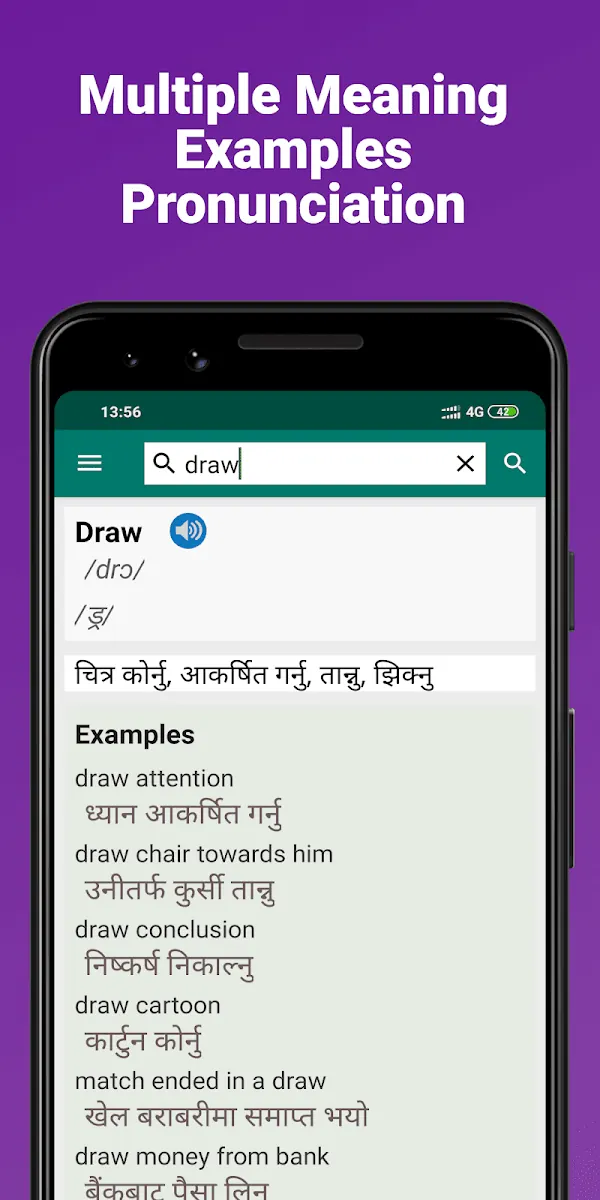
Offline English ⇄ Nepali dictionary trusted by over a million learners.
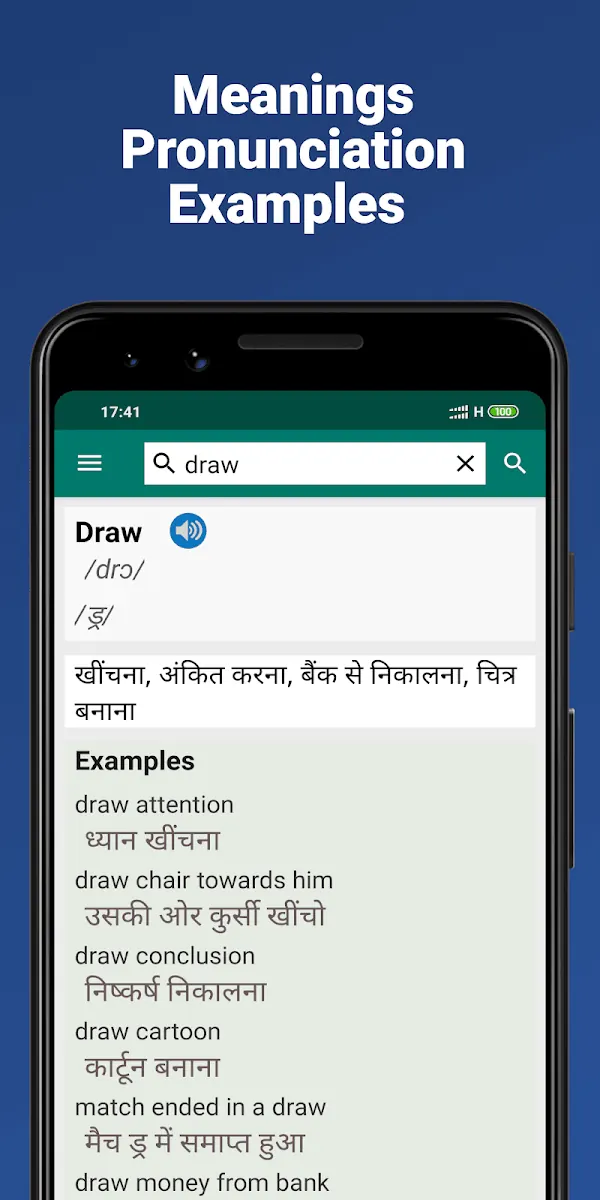
Hindi Dictionary
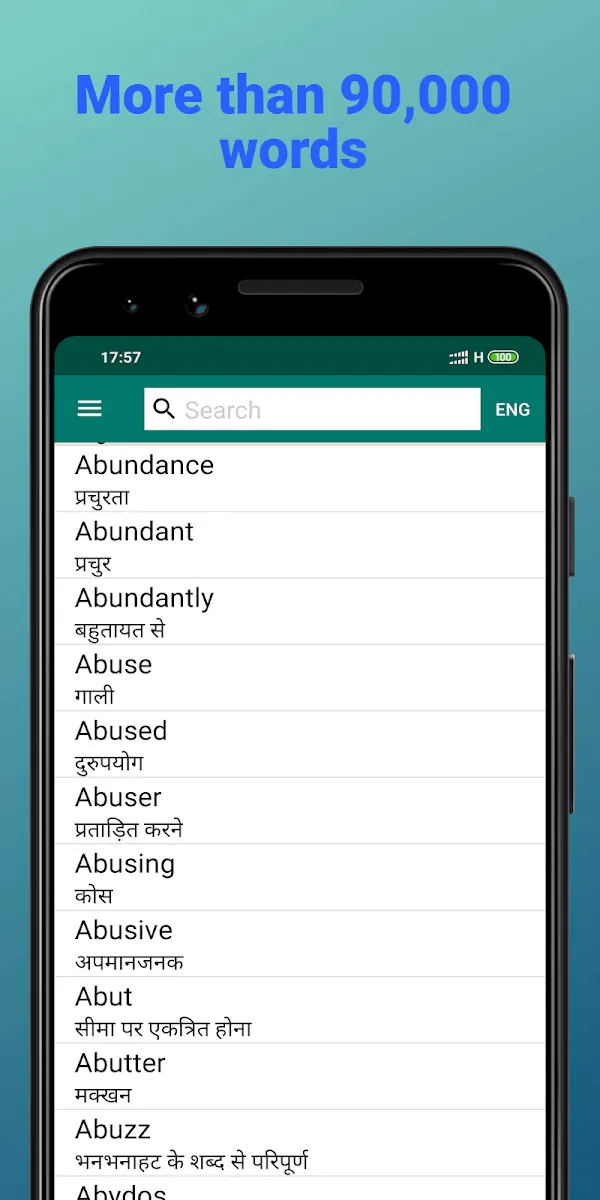
A comprehensive offline English ⇄ Hindi dictionary.