 Zeeron Studio
MP3 Editor
Cut, trim, mix, record and convert audio, and make your own ringtones.

Screenshots
About MP3 Editor
MP3 Editor puts an audio editor, MP3 cutter, voice recorder and audio converter in one app. Trim music, join clips, reduce background noise, mix voice with music and export in the format you need. Editing happens on your device, and projects stay on your phone until you are ready to export.
Cut, trim and join audio
Zoom into the waveform and select the part you want. Cut, copy, paste, split and trim audio, or join clips into one longer recording. Add a fade in or fade out for smooth starts and endings. Undo and redo as you work, and add markers to find important moments in long recordings.
Record, mix and clean up your sound
Record in the app or import your own files. Put voice and music on separate tracks, set each track's volume and position, then mix them into one file. Remove background noise, shorten long pauses and even out the volume. Shape the sound with an equalizer, compression, echo and reverb, or change speed, tempo and pitch.
Convert audio and make ringtones
Open MP3, WAV, FLAC, M4A, AAC, Opus and Ogg files, or take the sound from a video. Export as MP3, WAV, M4A, FLAC, Opus or Ogg with your choice of quality. Pick your favorite part of a song, add fades and set it as your ringtone. Batch processing lets you apply the same effects to many files at once. Download it on Android.
Why you'll love it
Waveform editing
Cut, copy, paste, split, trim and join audio with undo and redo.
Multitrack mixing
Record and mix voice and music on separate tracks, then export one file.
Noise reduction
Clean up recordings, shorten pauses and normalize loudness.
Effects and EQ
Equalizer, filters, compression, echo, reverb, speed, tempo and pitch.
Many formats
Import and export MP3, WAV, M4A, FLAC, Opus and Ogg, or extract audio from video.
Ringtone maker
Trim your favorite part of a song and set it as your ringtone.
Full description
MP3 Editor brings an audio editor, MP3 cutter, voice recorder and audio converter to your Android device. Trim music, merge audio clips, reduce background noise and make ringtones from your own files. Edit a voice memo, prepare a podcast or mix a voice recording with background music in one place.
CUT, TRIM AND JOIN AUDIO
Zoom into the waveform to select the part you want to keep or change. Cut, copy, paste, split and trim audio, remove unwanted sections or join clips into a longer recording. Add fade in and fade out effects for smooth beginnings and endings. Undo and redo changes as you work.
RECORD VOICE AND MIX TRACKS
Record directly in the app or import existing audio files. Combine voice and music with multitrack editing, move clips between tracks and adjust each track's volume and stereo position. Record a new track while listening to your project, then mix your tracks into a single audio file.
REDUCE NOISE AND IMPROVE SOUND
Capture a sample of background noise and use noise reduction to clean up your recording. Shorten long pauses, adjust volume and normalize loudness for more consistent listening. Shape your sound with an equalizer, filters, compression and a limiter. Add echo or reverb and preview effects before applying them.
CHANGE SPEED, TEMPO AND PITCH
Speed up or slow down audio, adjust tempo and change pitch. Reverse a clip for a different sound. Use these tools to practice music, edit spoken recordings or experiment with audio effects.
CONVERT AUDIO AND EXTRACT SOUND FROM VIDEO
Import MP3, WAV, FLAC, M4A, AAC, Opus and Ogg Vorbis audio. Extract audio from supported video files on your device, then edit and save the soundtrack. Export as MP3, WAV, M4A, FLAC, Opus or Ogg Vorbis, with quality and sample rate options for supported formats. Choose 16-bit or 24-bit WAV and FLAC exports.
MAKE YOUR OWN RINGTONES
Use the MP3 trimmer to pick a favorite section of your audio. Add fades, adjust the volume and export your clip. Set a supported exported file as your Android ringtone, save it to Music or share it with another app.
EDIT LONGER RECORDINGS WITH CONFIDENCE
Add markers to find important moments and mark regions to export as separate files. Switch between the waveform and spectrogram to inspect your sound. Adjust volume over time with track volume envelopes. Keep projects on your device and return to your edits when you are ready.
PROCESS MULTIPLE FILES
Use batch processing to apply an effects chain and export several files in one workflow. Save effect chains for repeated tasks, such as preparing voice recordings or converting a collection of audio files. Add a title, artist, album name and cover image to supported exports.
Whether you need a music cutter for a quick trim or an audio editor for a longer project, MP3 Editor helps you take a recording from the first cut to the final export.
More apps you might like
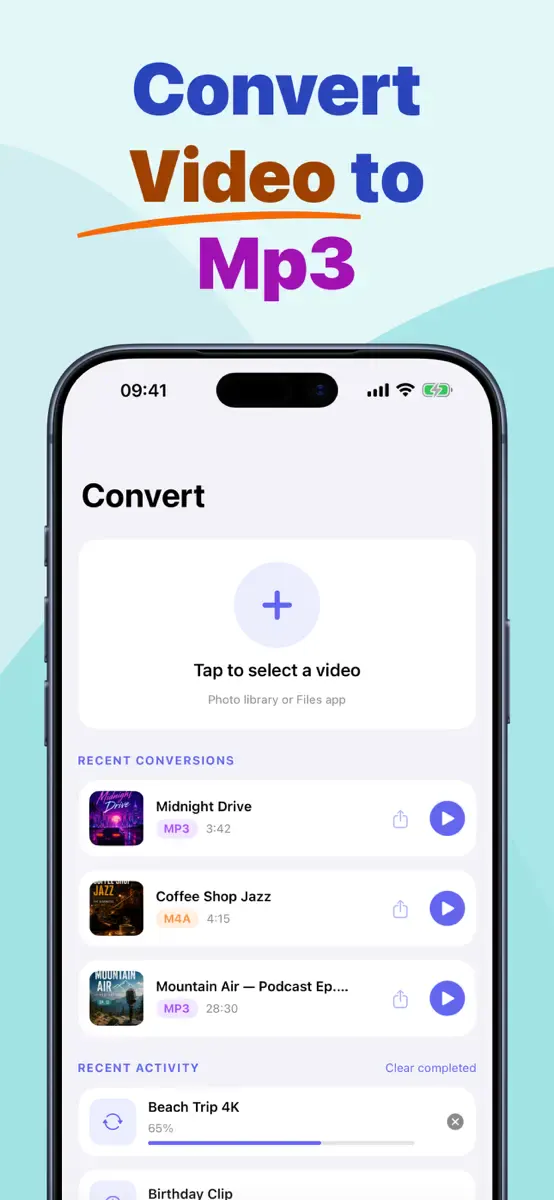
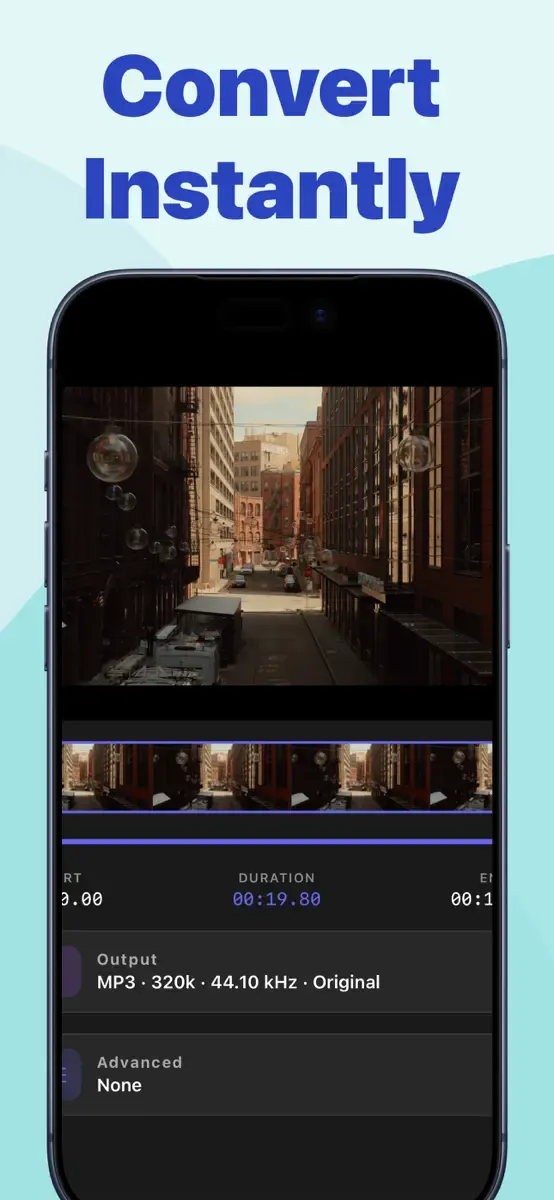
Video to MP3
Extract high-quality audio from any video, trim it and share.
Nepali Dictionary
Offline English ⇄ Nepali dictionary trusted by over a million learners.
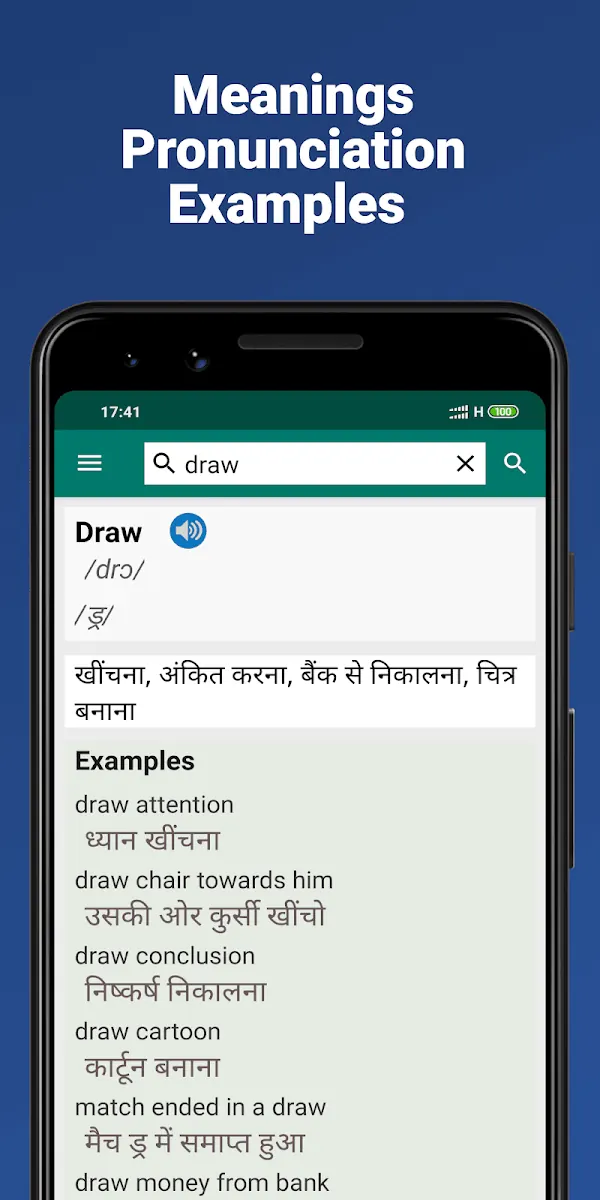
Hindi Dictionary
A comprehensive offline English ⇄ Hindi dictionary.