 Zeeron Studio
PixPDFMaker
Turn photos into clean, multi-page PDFs — privately, on device.

Screenshots
About PixPDFMaker
PixPDFMaker turns photos into clean PDFs on your iPhone. Import from your library or capture pages with the camera, edit and reorder them, then export and share. It works offline by default, needs no account, and has no ads interrupting your workflow.
Turn photos into PDF on your iPhone
PixPDFMaker turns your photos into clean PDF files with many pages, in seconds. Choose photos from your library, or use the camera to scan notes, receipts, forms, contracts and whiteboards. The app finds the edges of each page and makes it straight. You can change the order of the pages before you save.
Edit pages, sign and lock your PDFs
Crop and rotate pages, change brightness and contrast, and add filters. Add text or your signature. Choose the page size (A4, Letter, Legal or original), the margins and the quality. See the file size before you save. Add a password to protect private files. Share with the iPhone share button, or keep your files in the app's library.
Offline, private and no ads
PixPDFMaker works on your phone and works offline. Your photos stay with you unless you share them. You don't need an account, the app saves your work as you go, and there are no ads. It's free to download for iPhone, with an optional Pro plan.
Why you'll love it
Multi-page PDFs
Import photos or capture pages, then reorder them before export.
Page editing
Crop, rotate, adjust brightness and contrast, apply filters, and add text or a signature.
Auto edge detection
Automatic edge detection and perspective correction help tidy scanned pages.
Output settings
Choose A4, Letter, Legal or Original page size, plus margins and quality.
Password protection
Optionally protect sensitive documents with a password, and see estimated file size before exporting.
Local library
Keep documents in a local library with autosave and recovery support.
Full description
PixPDFMaker turns your photos into clean, professional PDFs in seconds, fully on your iPhone.
Designed for speed and privacy, PixPDFMaker works offline by default: your images stay on your device unless you choose to share them.
What you can do:
- Import photos from your library or capture pages with the camera
- Create multi-page PDFs and reorder pages before export
- Edit pages with crop, rotation, brightness/contrast, and filters
- Add Text, Signature
- Auto Edge detection, auto perspective
- Choose PDF output settings: page size (A4, Letter, Legal, Original), margins, and quality
- Add optional password protection to sensitive documents
- See estimated file size before exporting
- Export and share with the native iOS share sheet
- Keep everything organized in a local document library
Built for reliability:
- On-device processing with no required account
- Local autosave and recovery support
- No ads interrupting your workflow
Whether you’re scanning notes, receipts, forms, or whiteboard photos, PixPDFMaker gives you a fast, focused way to create PDFs you can trust.
Subscription information:
PixPDFMaker Pro is an optional auto-renewing subscription (weekly and yearly plans). Payment is charged to your Apple Account at confirmation of purchase. Subscription renews automatically unless canceled at least 24 hours before the end of the current period. You can manage or cancel your subscription anytime in your Apple Account settings.
Privacy Policy : https://zeeronstudio.com/privacy/photo2pdf.html
Terms of Service : https://www.apple.com/legal/internet-services/itunes/dev/stdeula/
More apps you might like
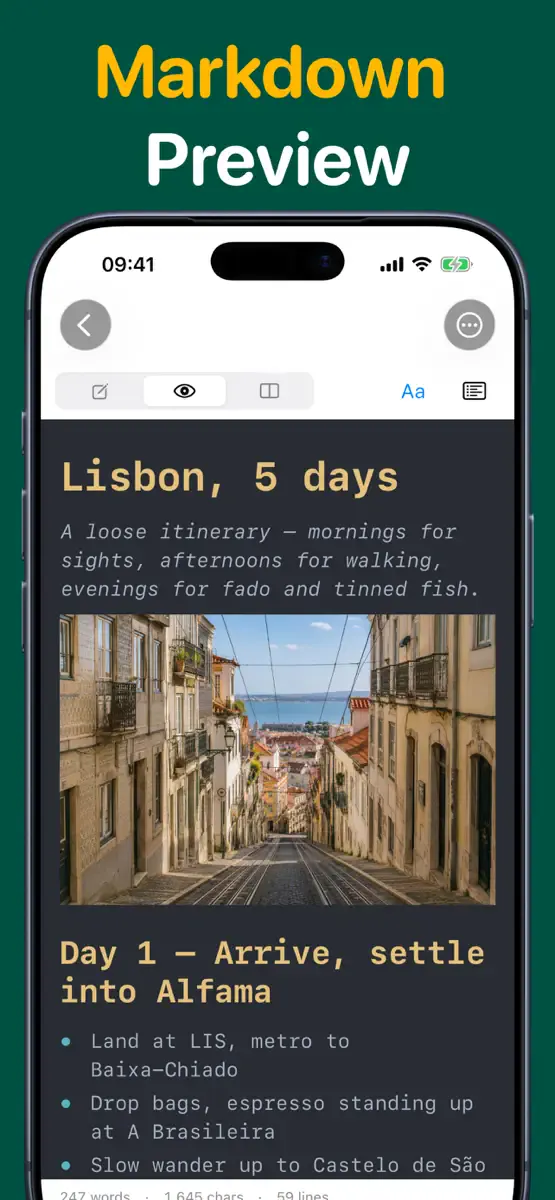
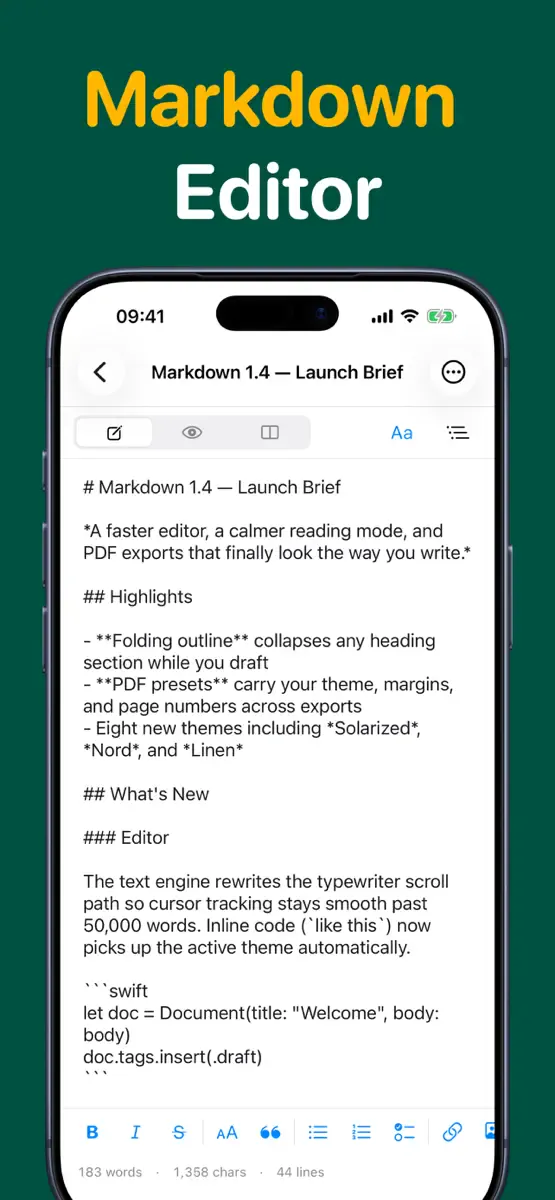
Markdown Editor
Offline-first Markdown writing with live preview and PDF export.
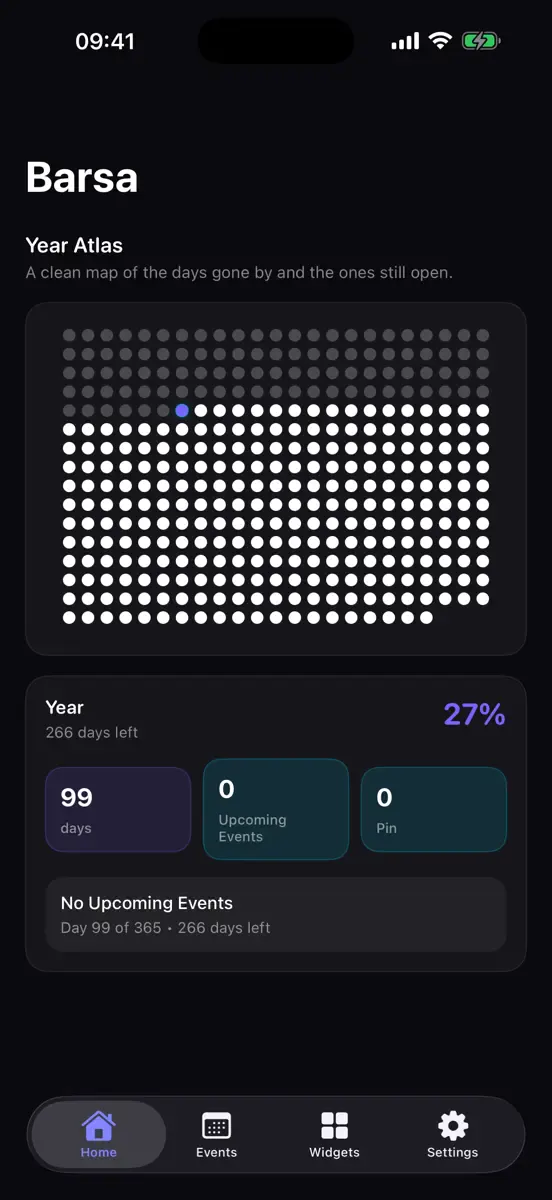
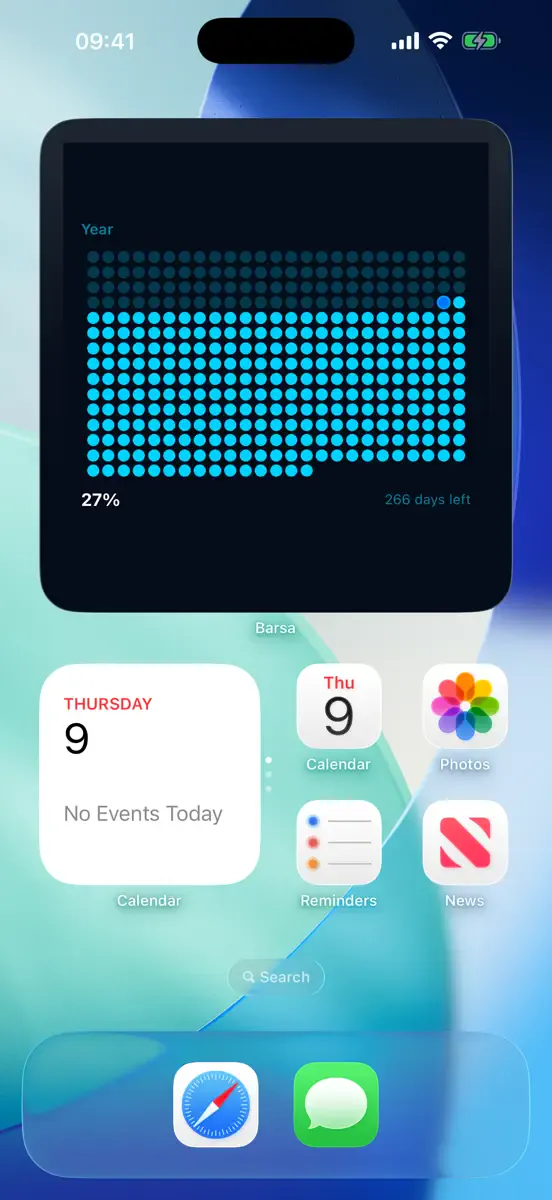

Barsa
See your year, countdowns and milestones with beautiful widgets.
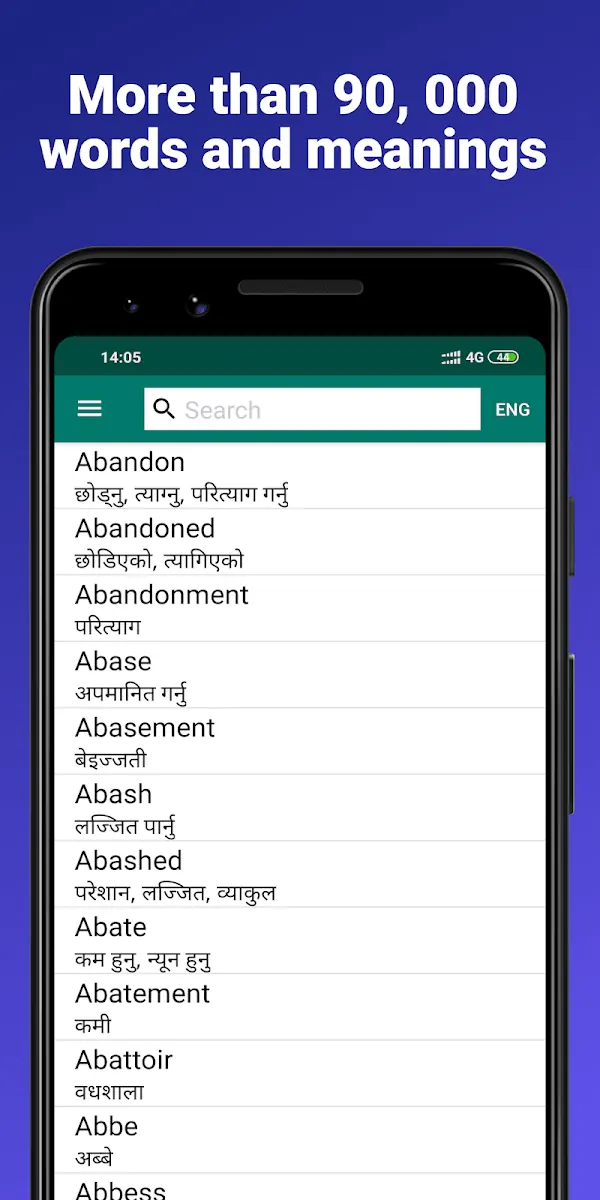
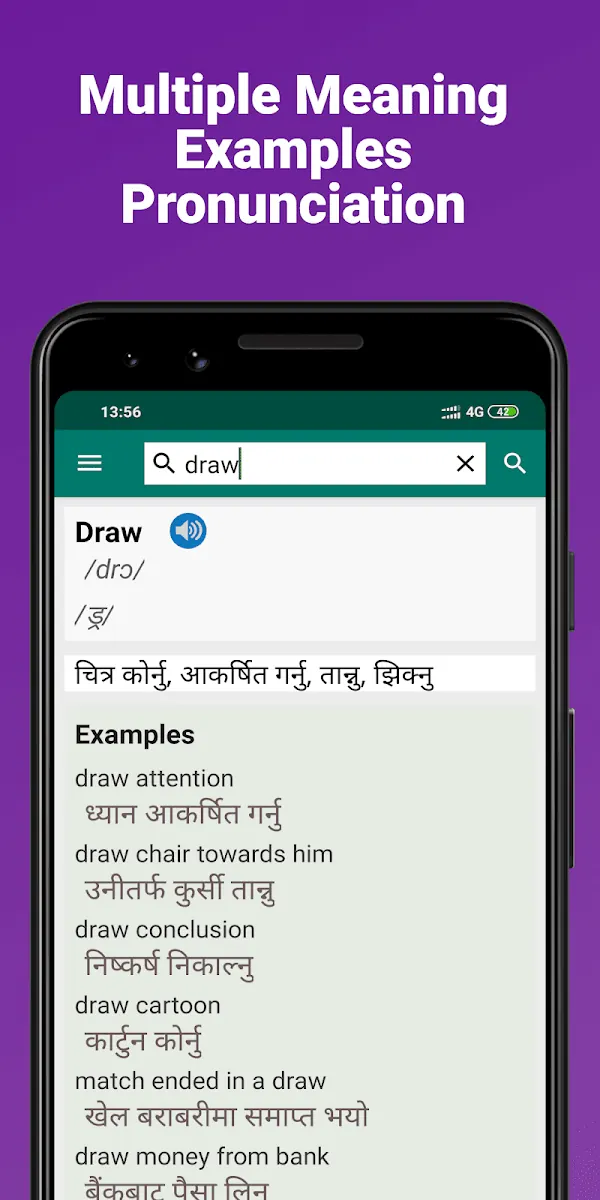
Nepali Dictionary
Offline English ⇄ Nepali dictionary trusted by over a million learners.